Hi! It’s been awhile. June has been a rough month for personal reasons. I wanted to publish my first comic book in July, but it will probably have to wait until August or September.
Anyway, I felt that it is about time to write a new blog post. As it says in the title, I will list 10 quick facts about my comic books 🙂
#1 – The Program I Use For Making My Comics
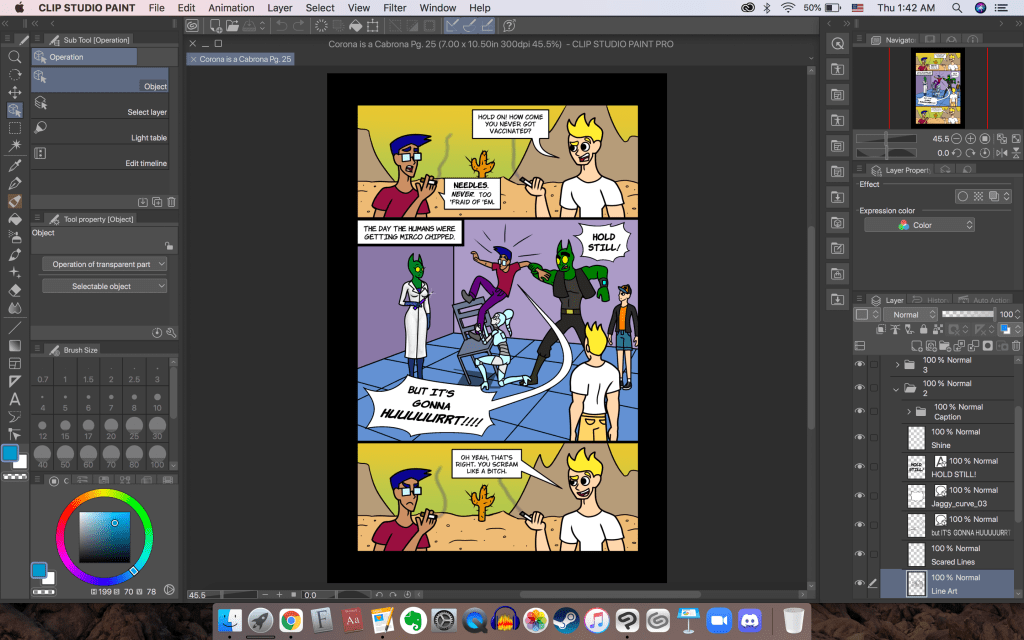
I mentioned this in some other blog posts of mine, but I’ll say it again here. I use Clip Studio Paint Pro to make my comic books. I believe the usual price is $50. I bought the program for $25 during a Black Friday sale.
#2 – Main Fonts I Use
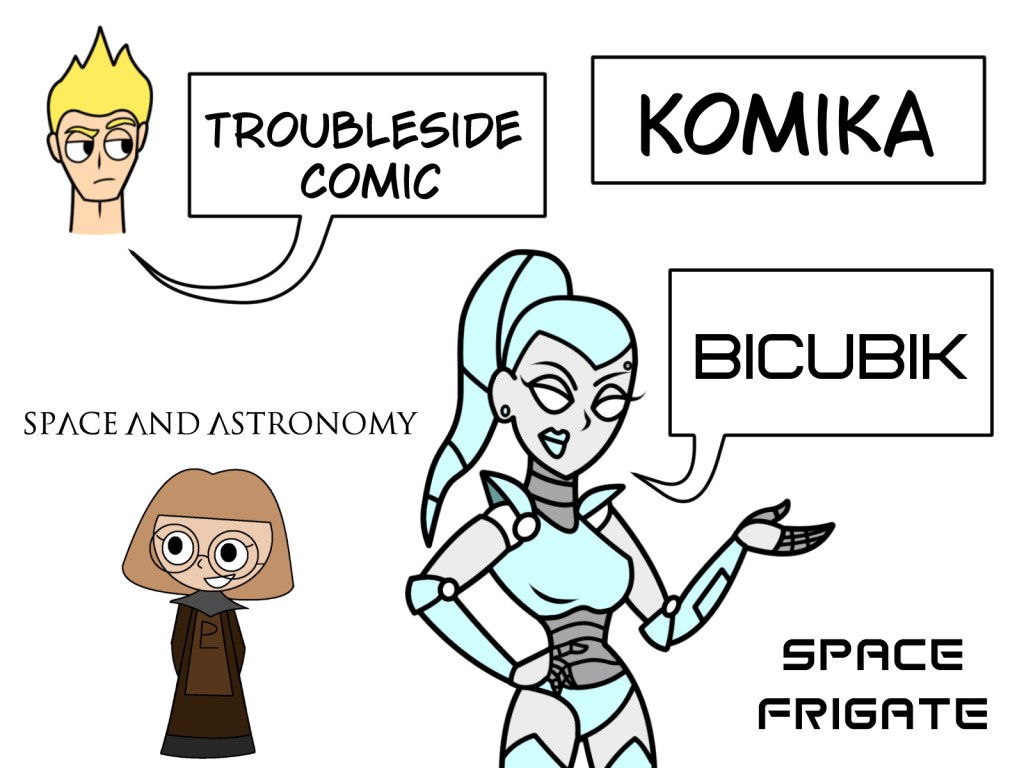
I mainly use 5 fonts for my comics. They are copyright free. I downloaded them from this website: https://www.fontspace.com/
The 5 Main Fonts
- TroubleSide – The font I use for the speech bubbles.
- Komika – The font I use for captions. I also use this font to make the dialogue more expressive. For some reason, I can’t italicize or bold the TroubleSide font, so I use the Komika fonts to remedy this.
- Bicubik – The font I use when robots or computers are talking. I use this font a lot because RSL (a robot character) is part of the ensemble cast.
- Space Frigate – The font I use for Space Grind‘s title.
- Space and Astronomy – The font I use for Celestial Circle‘s title.
#3 – CSP Assets
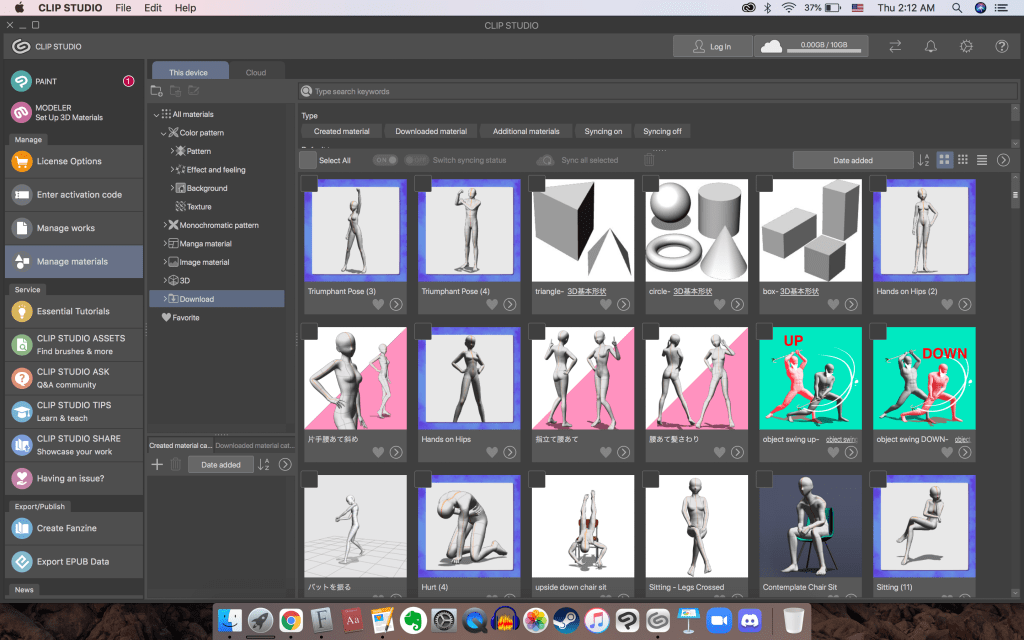
I sometimes use 3D assets for Clip Studio Paint to help me draw. If I have trouble drawing a character from a certain angle, I can download a pose to help me draw better. I can also download objects and 3D environments.
#4 – Dimwit’s Appearance Evolution
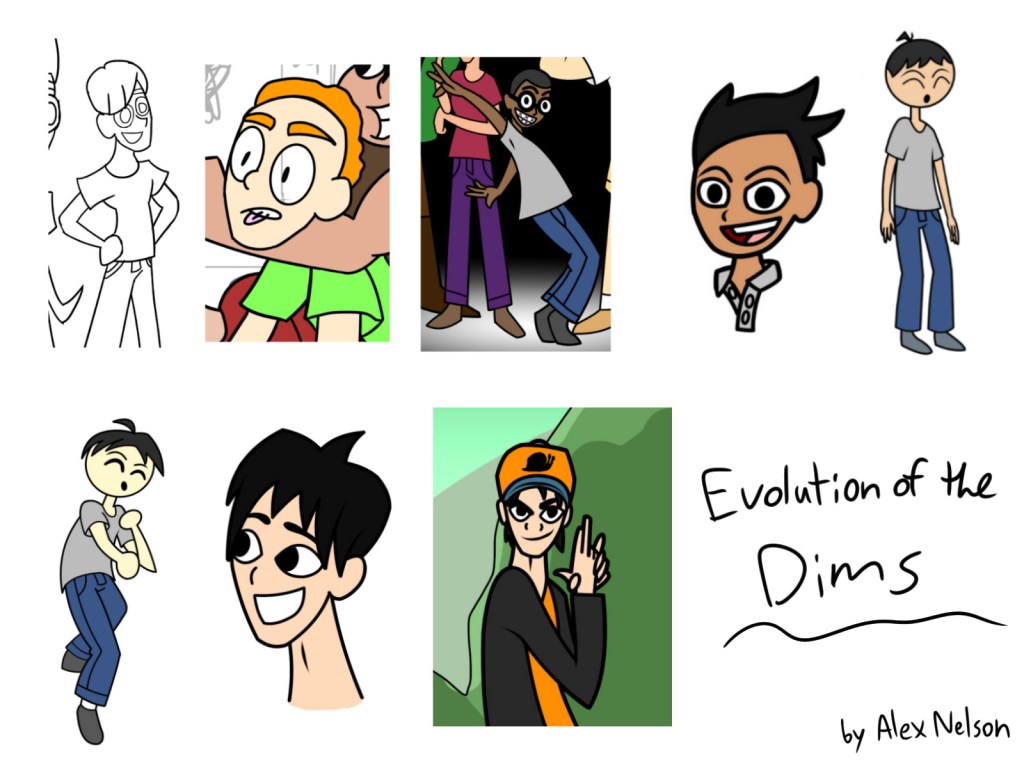
I know that I have mentioned this before in a previous blog post, but I’ll tell you again here. One of the main characters took me a whole year to decide on a design. That’s right! It took me one year to decide on Dimwit’s character design.
For quite awhile, Dimwit was going to be a kid or a young teenager. I think the main reason for this was because of Dimwit’s child-like characteristics. However, the majority of the Space Grind characters were young adults. It made Dimwit feel sorta out of place. Obviously, I eventually chose to make Dimwit an adult like Neuro and Onion. I feel like this was a good decision because his dimwittedness is more apparent I think. I was worried people might think that that Dimwit’s dumb antics was because of his young age (if I chose to make him a kid). Dimwit is now officially 25 years old, so that he doesn’t have an excuse for his simple-mindedness.
#5 – I Made a TV Show Outline for Space Grind
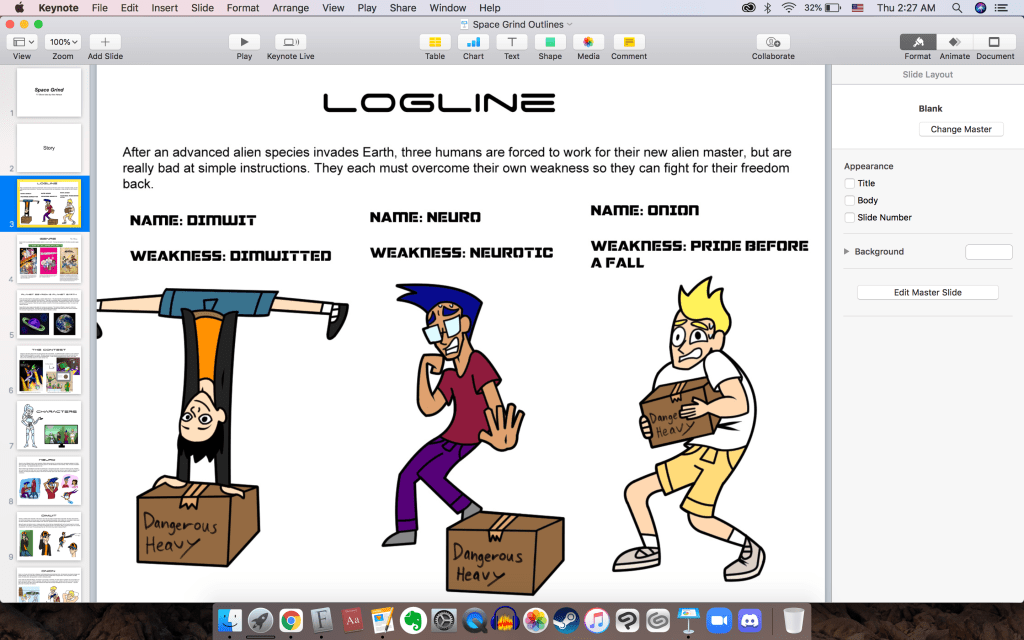
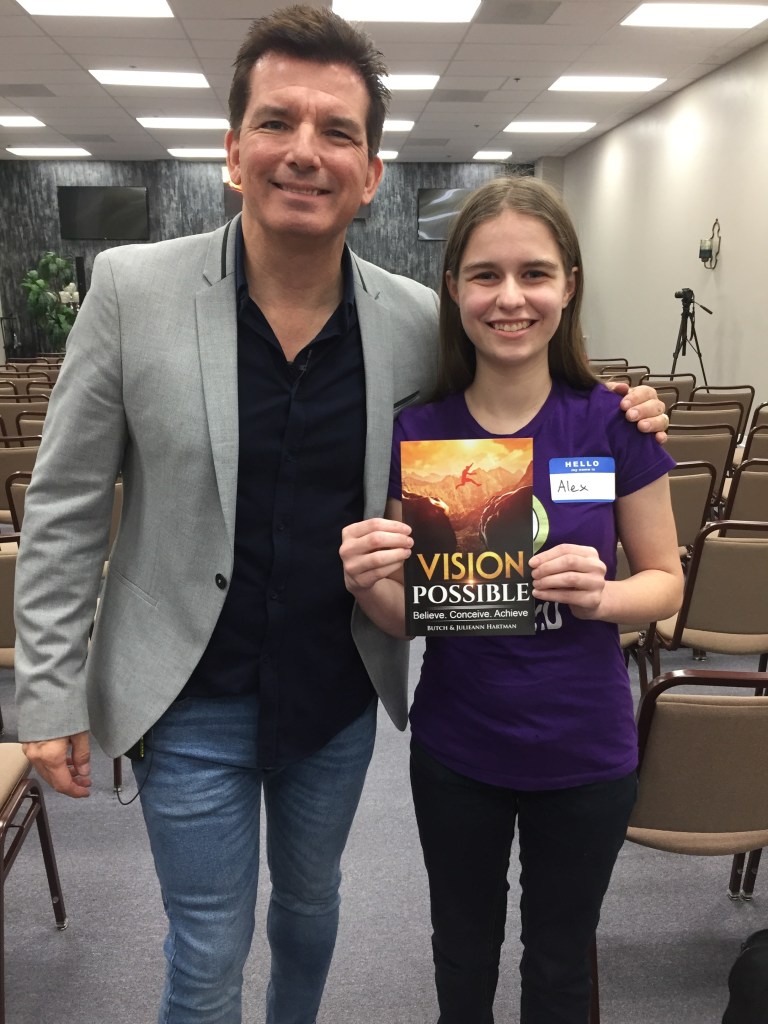
In 2018, I became friends with a professional cartoonist named Butch Hartman. He created 4 animated series for Nickelodeon. In December 2019, he suggested that I make an outline presentation for Space Grind. I got these outlines finished by July 2020. Butch gave me useful feedback 🙂
#6 – I Had A Different Website For Space Grind Before Alexzendraw Comics was Born
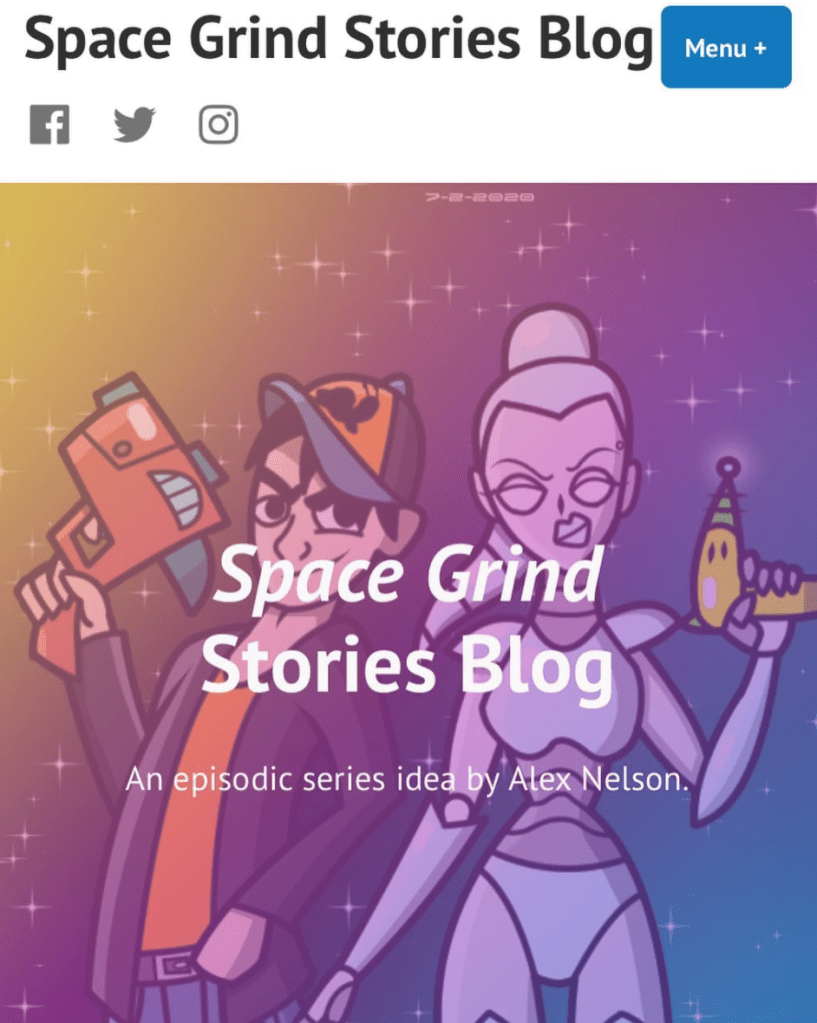
I made a WordPress blog for Space Grind in January 2021. However, I eventually wanted to make comics about my other story ideas, too. That is why I made the “AlexZenDraw” website to replace the “Space Grind Stories Blog.” I copy and pasted the majority of the first blog posts I made in April 2021.
I also felt that my Space Grind website wasn’t very memorable from a marketing perspective. “Space Grind Stories Blog” felt like it was too long of a website name. “AlexZenDraw” is shorter and catchier, thus more memorable. The AZD website has a bigger variety of content since it includes my other story ideas. I also have my portfolio to show what kind of art I can make.
#7 – Three Podcasts I Often Listen to While Drawing Comic Panels
I listen to several podcasts, but I’ll list 3 of them here:
- Joyce Meyer – A Christian teacher that I like to listen to. She is very good at what she does. I listen to her sermons on YouTube.
- Vision: Possible on XOTV – A paid subscription that helps people achieve their dreams, whatever that may be. There are also options for mentorship.
- Mad Hustle – A podcast made by Butch Hartman. Here, he gives advice to people who want to pitch TV series ideas in Hollywood. You can listen to the episodes on Apple Podcasts.
#8 – How Long it Took to Finish my First 25-page Comic
It took 8 months to finish the comic, which is called “Corona is a Cabrona.” Hey, look at that! Fact #8 says that it took 8 months to finish. I didn’t realize the coincidence till now.
I began the comic somewhere in October 2020. I finished the comic completely toward the end of May 2021.
#9 – How Long it Took to Finish my First 25-page Comic Script
It took 3 days to finish the script. I did tweak the script here and there as I drew the comic panels though.
#10 – The Laptop I Use
I use a MacBook Pro 2017 to make my comic books. Unfortunately, it is starting to glitch more and more often. The battery also needs to be replaced. I did not expect my laptop to get so buggy after only 3 years. I have my comic book files in my Google Drive so that they aren’t lost forever, if my laptop were to break or something.
That’s It!
I hope this blog post was at least mildly interesting to read. Have a great day! 🙂
 Alex Zen Draw
Wow! Thank you for using my TroubleSide font and writing about it in the blog). I am very pleased. I have never used Clip Studio and do not understand how to solve the problem with boldness and italics. There are no such problems in programs from Adobe. If you find the reasons for the problem, write to me and I will fix it. Good luck with the comics!
LikeLiked by 1 person
Oh wow! It’s such an honor to receive a comment from the person who made the TroubleSide Font! I was so relieved to find a good free font and not have to worry about copyright. Thank you so much for taking the time to make it for anyone to use 😄 Now that you say it works with Adobe, I wonder if the problem may be with Clip Studio Paint. It doesn’t have an autocorrect feature, and some other fonts I’ve downloaded don’t work as they should. Thank you again 🙂
LikeLike
Hi, Koroletov! I was working on the “Special Thanks” page of my comic book, and I thought it would be fun to dedicate a whole page of thanking all the people who created the free fonts used for my comic book 😀 I would like to add your fontspace username 🙂 Thought you’d like this new info! 😀 Got the idea today
LikeLike
Hi Alex) I have been looking for a suitable free font for a very long time… Among other things, I needed Cyrillic support. First I used a pirated font (someone added Cyrillic to a paid font and posted it on the Internet). And when it came to printing our comics, I decided to make my own font. Thank you for your good feedback, I am pleased that you are using my font. This is the best gratitude. I do not plan to support my fontspace account, but I will be glad if others download the font from your link)
LikeLiked by 1 person